Settings
Menu: Admin → Settings
Admin → Settings holds company-wide options. The Company Settings screen is where you set the business name, emails, and a company Address (for printing).
With multi-shop, each shop can also have its own Address (for printing) under Admin → Shops. The shop print address is used on that shop’s invoices; the company address here is the fallback when a shop has none.
Keep one correct company profile for system emails and as the print fallback across Bawas.
Admin Labels
Menu: Admin → Labels
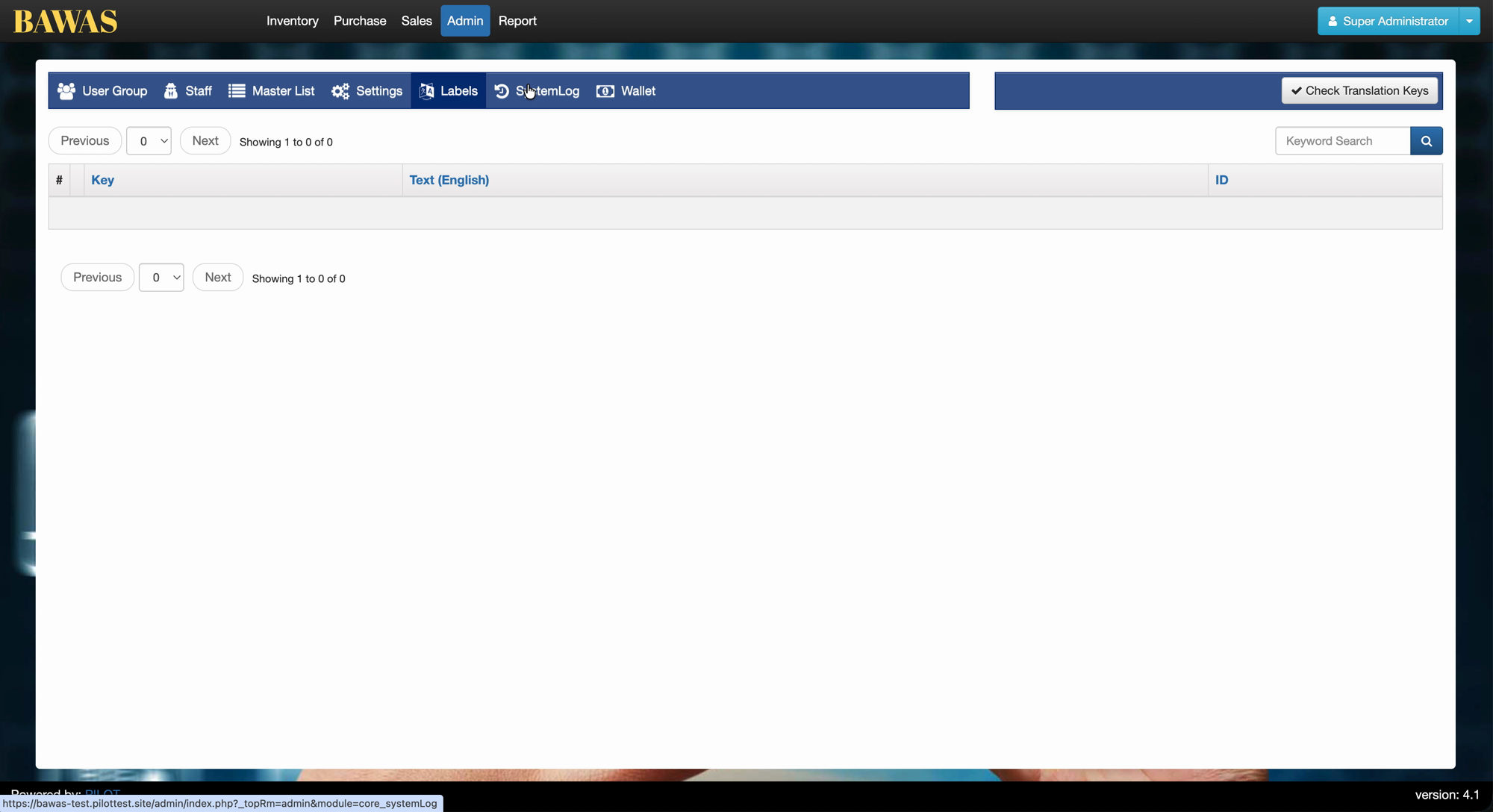
Maintains translation keys for the admin UI: Key, Text (English), and ID. Use Keyword Search on the list. Check Translation Keys validates label packs after you add or change keys.
Special features
- Settings sidebar: Company Settings, System Settings, Codes & Prefixes, Website Settings.
- Company Name, Admin Email, Order Email, and Address (for printing) fields.
- Other Admin tabs: User Group, Staff, Master List, Labels, SystemLog, Wallet.
Workflows
Only administrators should change company details. Test printouts after any update.
Steps
- Open Admin from the top menu, then Settings.
- Click Company Settings in the left sidebar (if not already selected).
- Update Company Name, emails, or Address (for printing) as needed.
- Save the form.
- Print a sample invoice or order to confirm the new address and name.
- For codes, tax, or website options, open the other items in the Settings sidebar.
Validation rules
| Rule | Detail |
|---|---|
| Company name | Required for printed documents |
| Admin / order email | Must be valid email format if your system checks it |
| Address | Used on PDFs—keep line breaks readable for print |
| Access | Restrict changes to Admin or Super Administrator roles |
| Other settings | System Settings and Codes may affect numbering—change one area at a time |
Company Settings Details
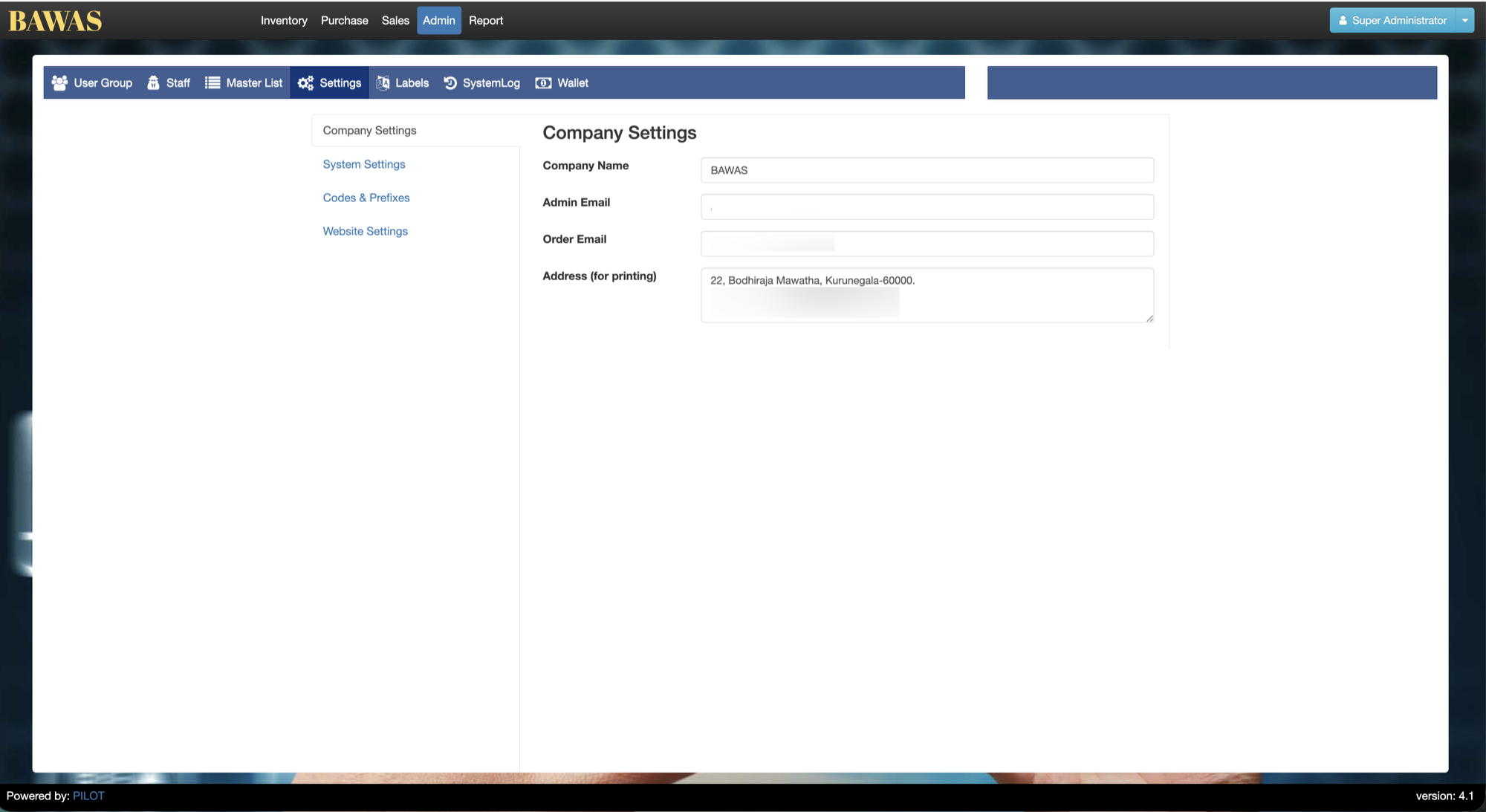
Company Settings — company profile fields
Company Settings under Admin → Settings holds Company Name (BAWAS), Admin Email, Order Email, and Address (for printing) used on invoices and orders. Save then re-print a test document to verify the header.
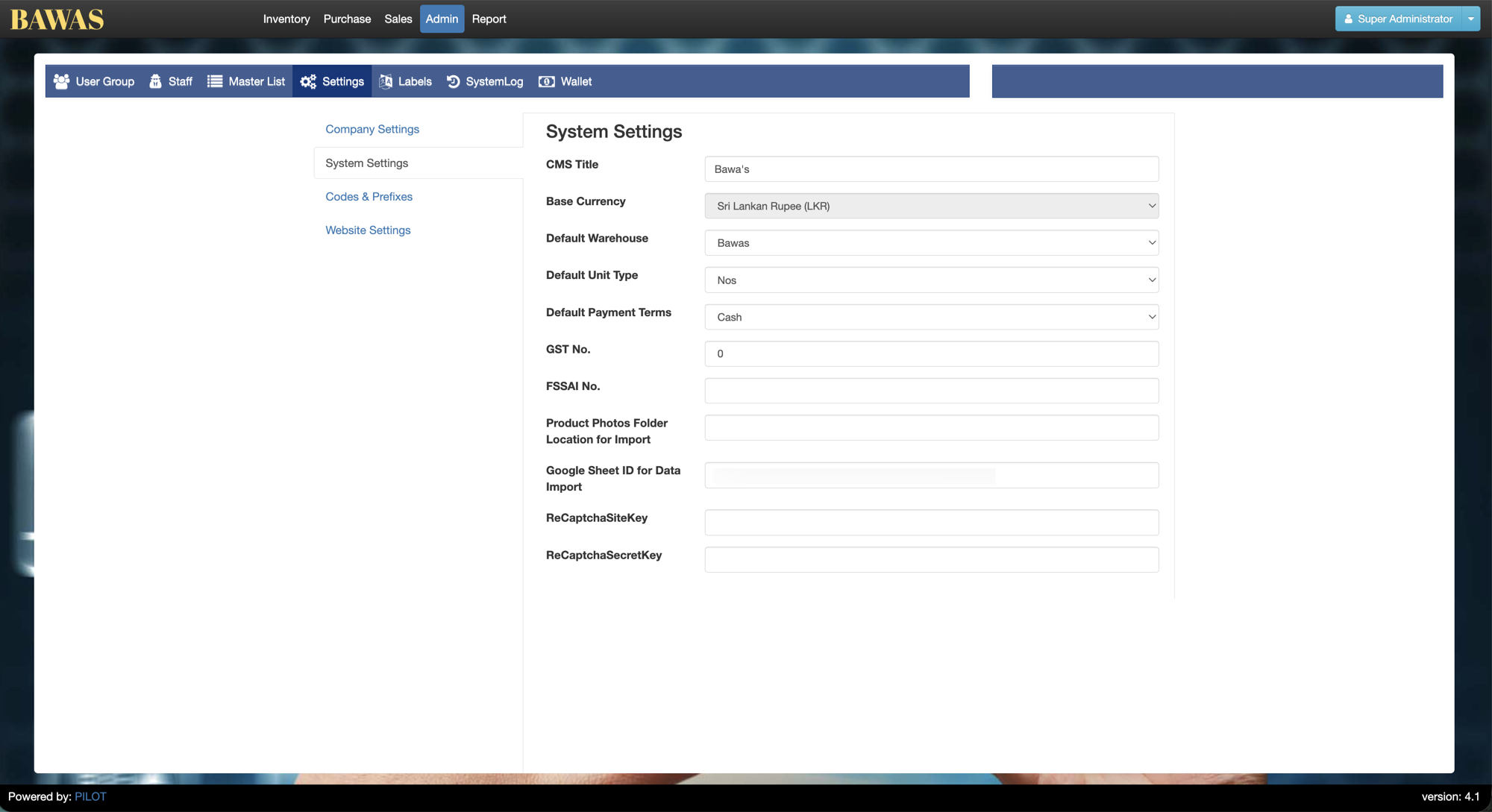
System Settings — application options
System Settings controls application behaviour (numbering, defaults, integrations—fields vary by deployment). Change one section at a time and test Sales or Purchase after saves.
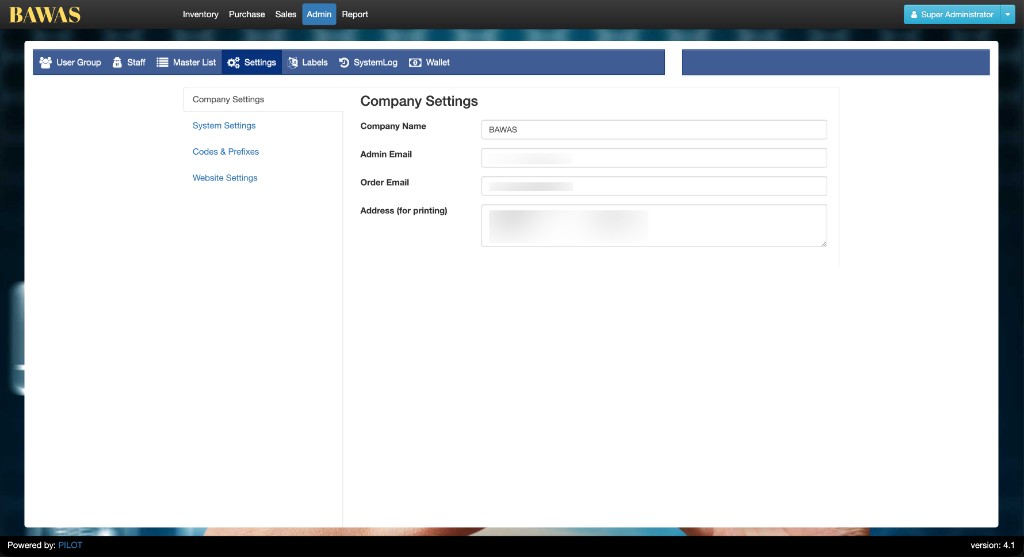
Company Settings — print address reference
Address (for printing) must stay readable on PDF line breaks. Prefer setting Address (for printing) on each shop under Admin → Shops for multi-shop sites. Use Company Settings as the organisation fallback and for any shop that has no print address yet.