Introduction
Overview
Bawas is an enterprise-style backend admin application used by staff to manage customers, sales, purchases, inventory, payments, invoices, and reporting. This documentation is written for administrators and support staff.
Purpose
- Give a single map of admin modules and workflows.
- Describe how data moves when users record payments, invoices, and transactions.
This site excludes the participant or public portal. Use other runbooks for front-office behaviour.
Features
- Role-based access (Super Administrator, sales roles, etc.).
- Module navigation: Inventory, Purchase, Sales, Admin, Report.
- PDF and list exports where the product enables them.
Workflow steps (how to read this site)
- Open the Admin app page for the module you use daily.
- Follow the workflow and validation rules on each page.
User actions
Typical staff tasks: sign in, pick a top menu (e.g. Sales), open a sub-tab (Customers, Sales, Receipts), search or filter, open a record, edit, save, print.
Validation rules
Field-level rules (amounts, dates, required customer) are enforced in the admin UI and on the server. Each admin module page lists the main checks for that area.
Database impact
Saving a document usually inserts or updates rows in transactional tables (orders, payments, customers). Heavy reporting may use summary tables or on-demand queries—confirm in your deployment.
API integration
Integrations depend on your Bawas/Pilot build. Contact your technical team for endpoint details.
Error handling
Errors surface as inline messages or banners in the admin UI. Capture the time, user, module URL, and message text before contacting support.
Security notes
Use HTTPS, strong passwords, least-privilege roles, and sign out on shared PCs. Do not share Super Administrator accounts.
Screenshot placeholders
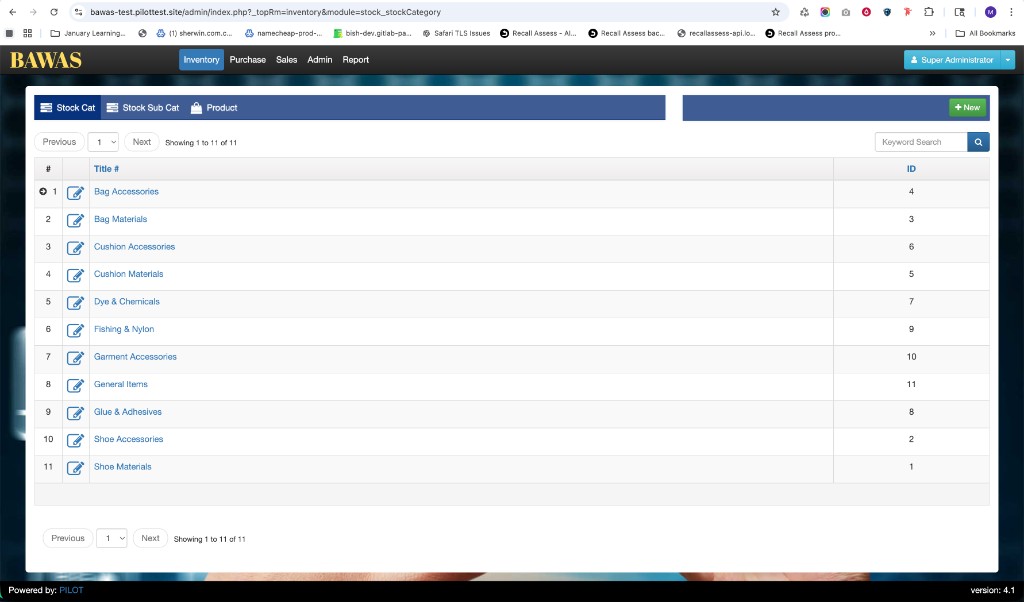
Summary
Use this introduction as the entry point to backend admin documentation. Deep dives live under Admin app.