Master list
Menu: Admin → Master List
The master list holds reference data used across BAWAS—lookup values, codes, and shared lists that other modules depend on.
Special features
- Admin sub-tab Master List.
- Searchable grid of master records.
- + New and row edit actions.
- Published or active flags per entry type.
Workflows
Steps
- Open Admin → Master List.
- Use Keyword Search to find an entry.
- Edit a row or click + New to add a value.
- Save and confirm downstream modules see the new code.
Validation rules
| Rule | Detail |
|---|---|
| Code uniqueness | Master codes must not duplicate within the same list |
| Published | Unpublished entries may be hidden on picklists |
| Dependencies | Check Sales, Purchase, and Inventory before deleting |
Manage Master List
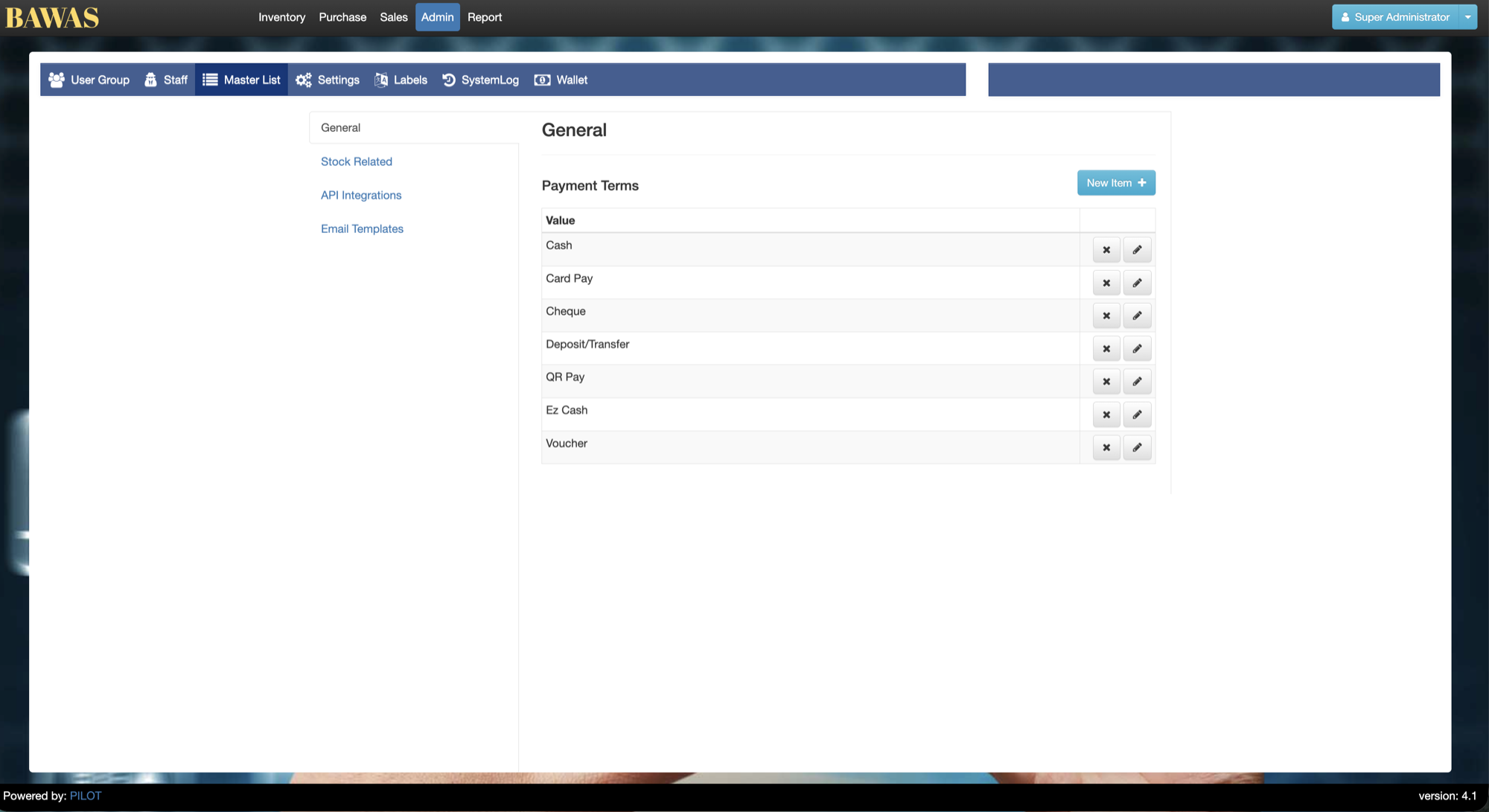
Manage Master List — list view
The Master List shows configurable reference rows. Keep codes short and stable—other screens store these values on transactions.
Related pages
- Settings — company and system configuration.
- User groups — role permissions including report access.