Notifications
Overview
Notifications may include email alerts, in-app messages, or SystemLog entries when jobs fail or approvals are needed—depending on configuration.
Purpose
Surface operational issues without manual log watching.
Features
- Event-driven emails or logs.
- Optional notification centre.
Workflow
Respond to alerts that you can act on; route others to IT or finance.
Steps
- Notice alert or log entry.
- Open linked module (payment import, stock, etc.).
- Fix root cause.
- Acknowledge or clear if the product supports it.
Validation Rules
| Rule | Detail |
|---|---|
| Recipients | Valid email for mail channel |
| PII | Do not put sensitive data in subject lines |
| Rate limits | Bulk mail may throttle |
Screenshot Section
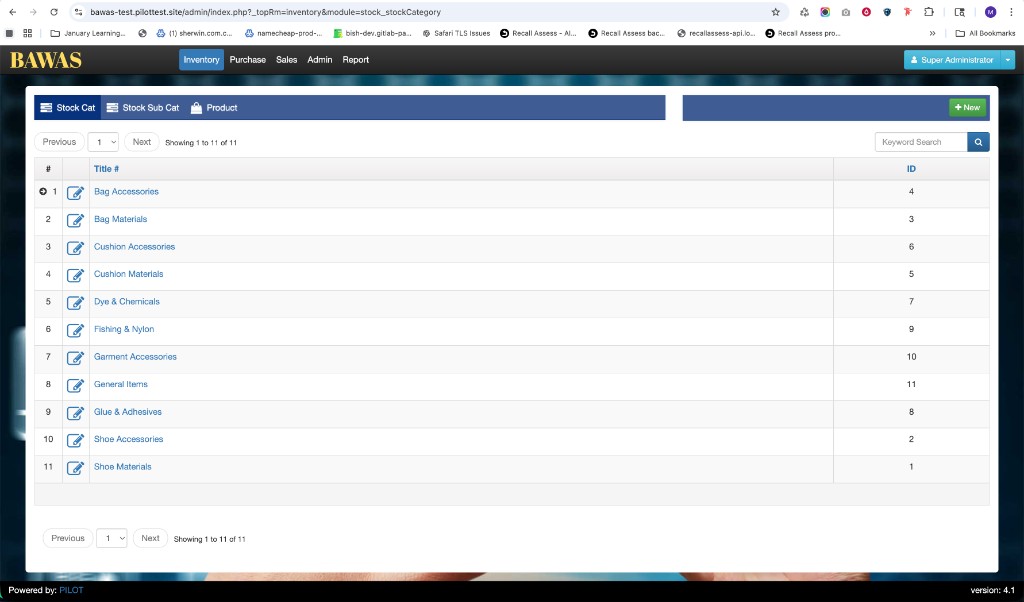
Replace when your notification UI is available.
Summary
Treat alerts as signals to fix data or jobs—not as a substitute for reconciliation.